Pedestrian Crossing with Arduino (Finite State Machine)
Learn how to build a non-blocking pedestrian crossing using millis() and a finite state machine - without using delay().
Devices & Components
1
Breadboard - 400 contacts
1
Arduino Uno Rev3
1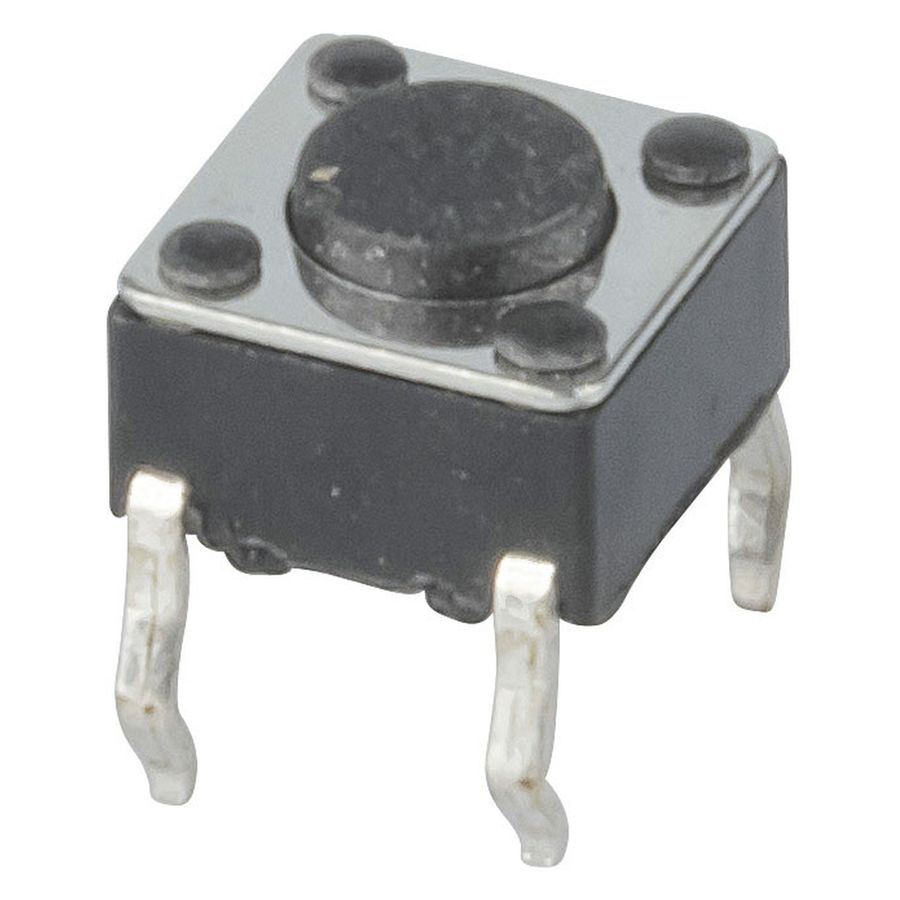
Micro Tactile Switch (Push Button)
1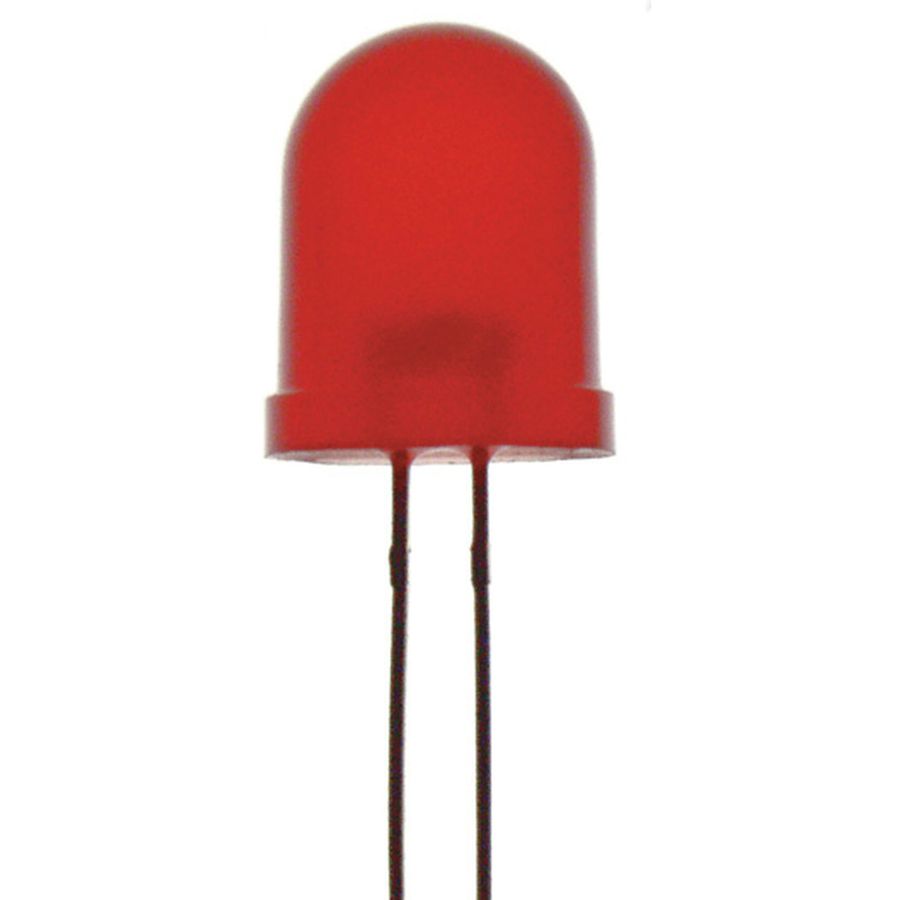
Red 3mm LED
1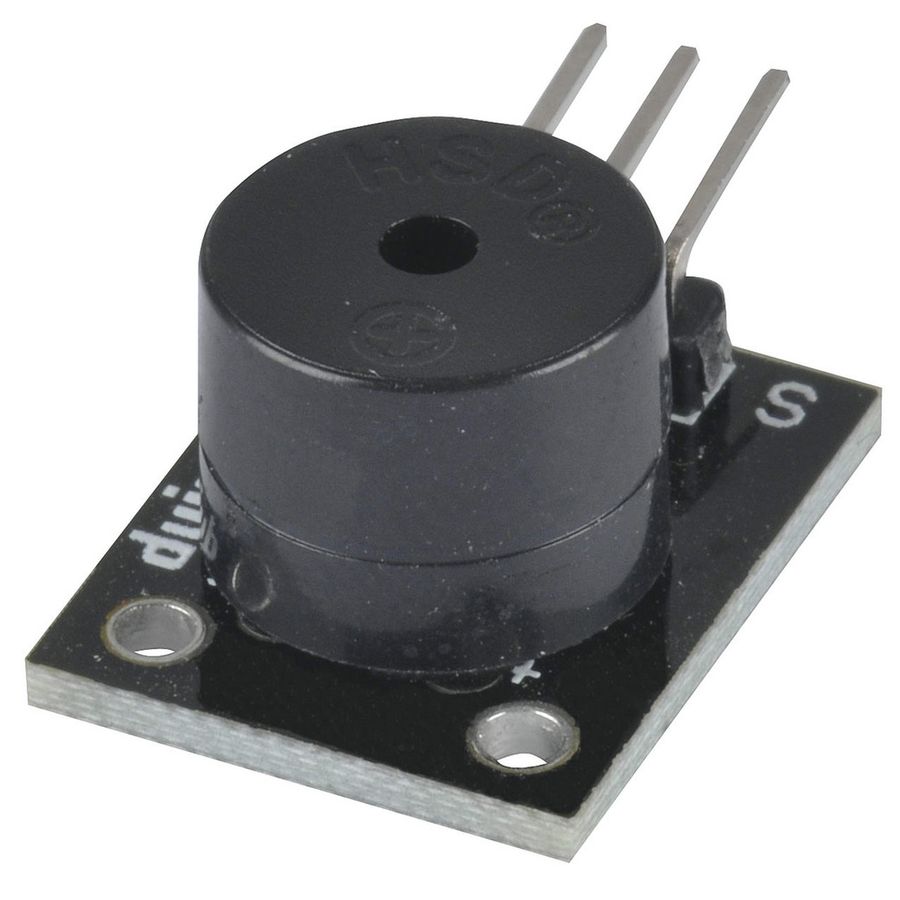
Active Buzzer Module (3 pins)
1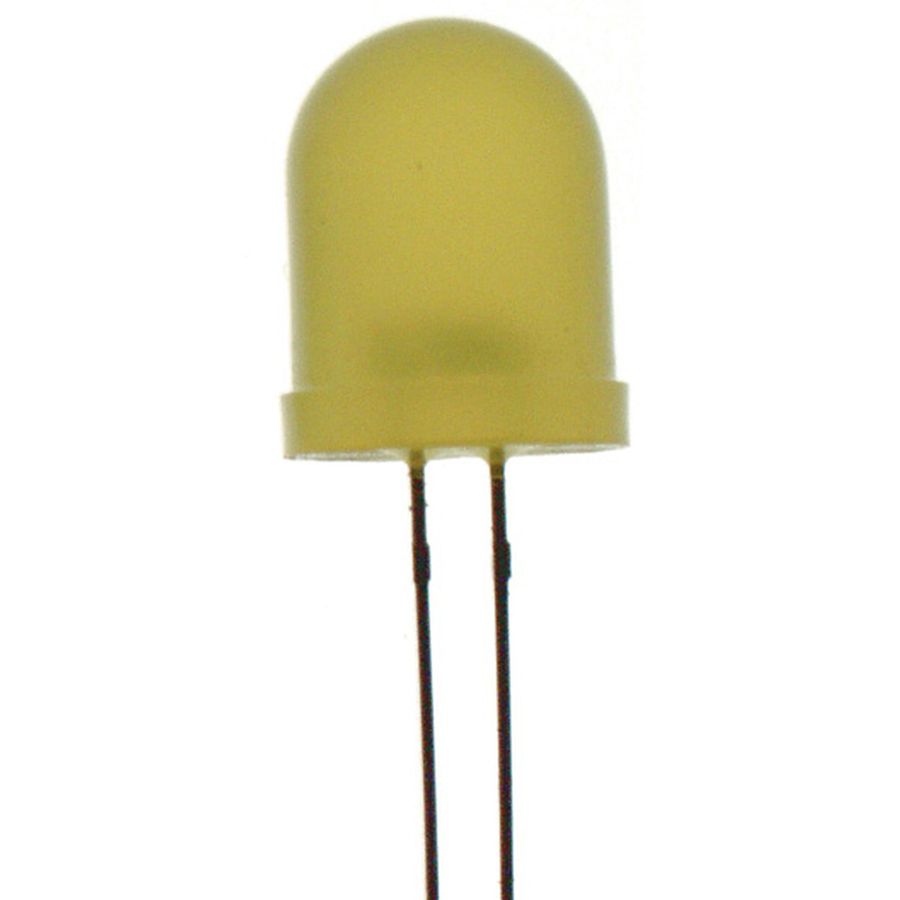
Yellow 5mm LED
10
Male-to-Male Jumper Wires
3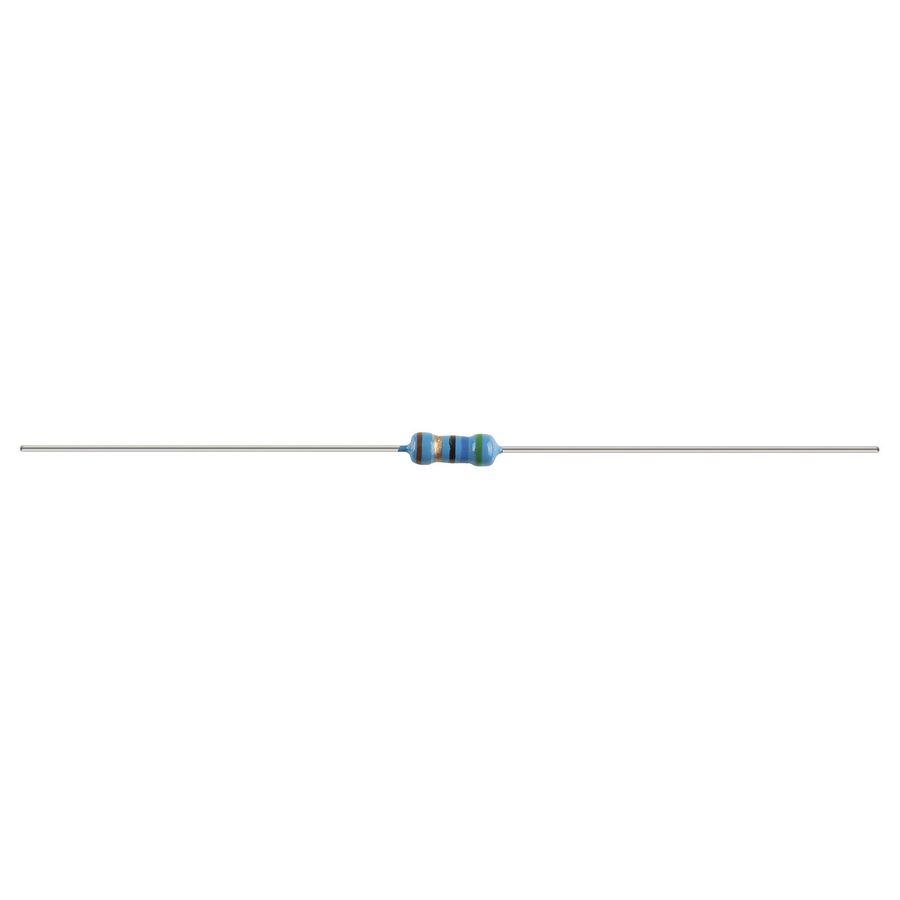
220 Ω Resistor
1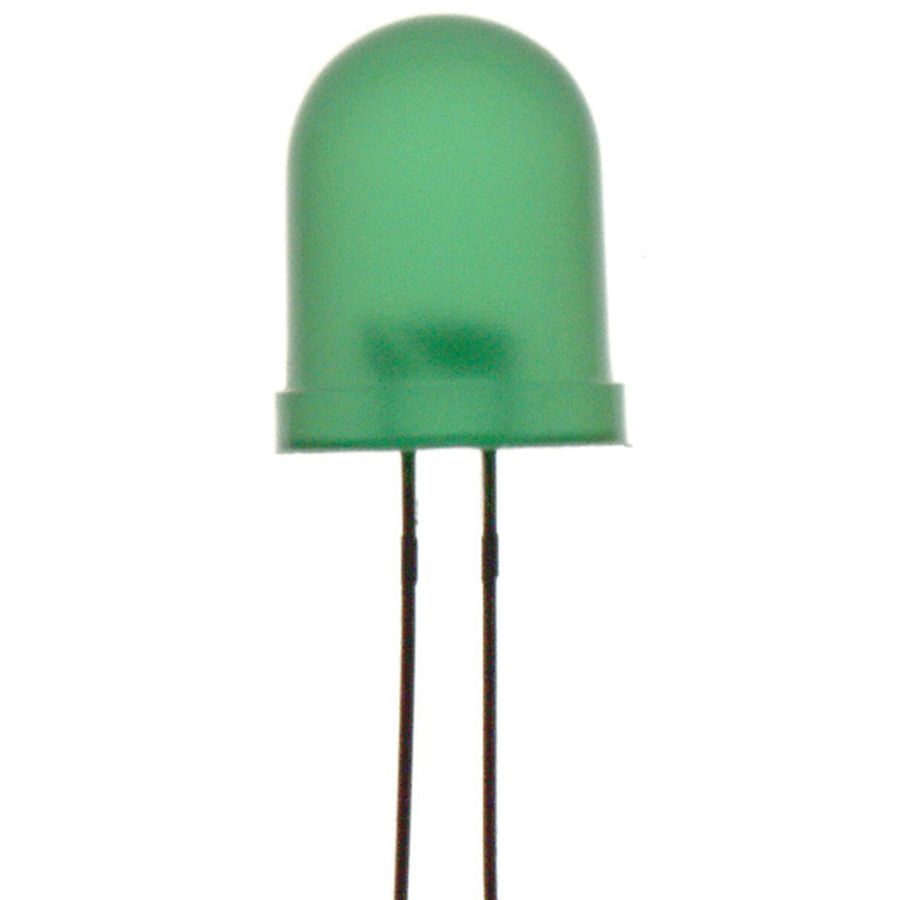
Green 3mm LED
Hardware & Tools

USB A-to-B Cable
1
Laptop/PC
Software & Tools

Arduino IDE
Project description
Code
Arduino Pedestrian Crossing Code
cpp
1/*
2  Arduino Pedestrian Crossing
3  ---------------------------
4  Demonstrates a non-blocking finite state machine using millis().
5
6  Features:
7  - Green, Yellow and Red traffic lights
8  - Push button pedestrian request
9  - Piezo buzzer crossing signal
10  - Built-in LED blinks independently
11  - No delay() used
12
13  Created by Noah Lord
14*/
15
16// -----------------------------
17// Pin definitions
18// -----------------------------
19
20const int GREEN_LED = 8;
21const int YELLOW_LED = 9;
22const int RED_LED = 10;
23const int BUZZER = 11;
24const int BUTTON = 12;
25
26// -----------------------------
27// Timing constants
28// -----------------------------
29
30const unsigned long YELLOW_TIME = 2000;      // Stay on yellow for 2 seconds
31const unsigned long BEEP_INTERVAL = 200;     // Toggle buzzer every 200 ms
32const int CROSSING_BEEPS = 10;               // Total crossing beeps
33
34// -----------------------------
35// Traffic light states
36// -----------------------------
37
38enum TrafficState
39{
40  GREEN_STATE,
41  YELLOW_STATE,
42  RED_STATE
43};
44
45// Start the program in the Green state
46TrafficState currentState = GREEN_STATE;
47
48// -----------------------------
49// Traffic light variables
50// -----------------------------
51
52// Stores when the current traffic light state began
53unsigned long stateStartTime = 0;
54
55// Tracks whether the buzzer is currently ON or OFF
56bool buzzerState = false;
57
58// Counts completed beeps during the crossing
59int beepCount = 0;
60
61// -----------------------------
62// Built-in LED variables
63// -----------------------------
64
65const unsigned long BLINK_INTERVAL = 1000;
66
67// Stores when the built-in LED last changed
68unsigned long previousTime = 0;
69
70// Tracks whether the built-in LED is ON or OFF
71bool ledState = false;
72
73void setup()
74{
75  pinMode(GREEN_LED, OUTPUT);
76  pinMode(YELLOW_LED, OUTPUT);
77  pinMode(RED_LED, OUTPUT);
78  pinMode(BUZZER, OUTPUT);
79
80  pinMode(BUTTON, INPUT_PULLUP);
81
82  pinMode(LED_BUILTIN, OUTPUT);
83
84  // Start the traffic lights on Green
85  greenLight();
86
87  // Ensure the buzzer begins switched off
88  digitalWrite(BUZZER, LOW);
89}
90
91void loop()
92{
93  // Snapshot of how long the Arduino has been running
94  unsigned long currentTime = millis();
95
96  // Read whether the button is currently pressed
97  int buttonState = digitalRead(BUTTON);
98
99  switch (currentState)
100  {
101    case GREEN_STATE:
102
103      // Wait until the pedestrian button is pressed
104      if (buttonState == LOW)
105      {
106        currentState = YELLOW_STATE;
107        stateStartTime = currentTime;
108
109        // Update LEDs to match the new state
110        yellowLight();
111      }
112
113      break;
114
115    case YELLOW_STATE:
116
117      // Stay on Yellow until 2 seconds have elapsed
118      if (currentTime - stateStartTime >= YELLOW_TIME)
119      {
120        currentState = RED_STATE;
121        stateStartTime = currentTime;
122
123        // Reset buzzer variables ready for the crossing
124        beepCount = 0;
125        buzzerState = false;
126
127        // Update LEDs to Red
128        redLight();
129      }
130
131      break;
132
133    case RED_STATE:
134
135      // Toggle the buzzer every 200 ms
136      if (currentTime - stateStartTime >= BEEP_INTERVAL)
137      {
138        stateStartTime = currentTime;
139
140        // Reverse the buzzer state
141        buzzerState = !buzzerState;
142
143        // Update the hardware
144        digitalWrite(BUZZER, buzzerState);
145
146        // Count one completed beep whenever the buzzer turns OFF
147        if (buzzerState == false)
148        {
149          beepCount++;
150
151          // After 10 beeps, return to Green
152          if (beepCount >= CROSSING_BEEPS)
153          {
154            currentState = GREEN_STATE;
155
156            // Update LEDs to Green
157            greenLight();
158          }
159        }
160      }
161
162      break;
163  }
164
165  // Independently blink the built-in LED once every second
166  if (currentTime - previousTime >= BLINK_INTERVAL)
167  {
168    previousTime = currentTime;
169
170    // Reverse the LED state
171    ledState = !ledState;
172
173    // Update the hardware
174    digitalWrite(LED_BUILTIN, ledState);
175  }
176}
177
178void greenLight()
179{
180  digitalWrite(GREEN_LED, HIGH);
181  digitalWrite(YELLOW_LED, LOW);
182  digitalWrite(RED_LED, LOW);
183}
184
185void yellowLight()
186{
187  digitalWrite(GREEN_LED, LOW);
188  digitalWrite(YELLOW_LED, HIGH);
189  digitalWrite(RED_LED, LOW);
190}
191
192void redLight()
193{
194  digitalWrite(GREEN_LED, LOW);
195  digitalWrite(YELLOW_LED, LOW);
196  digitalWrite(RED_LED, HIGH);
197}
Comments
Only logged in users can leave comments