UNO Q + Modulino LED Matrix – Pixel Canvas
Click cells in the browser to draw any pixel pattern on the Modulino LED matrix, then copy the generated C++ byte array straight into your own Arduino sketch.
Devices & Components
1
Arduino® UNO™ Q 2GB
1
Modulino™ LED Matrix
Software & Tools
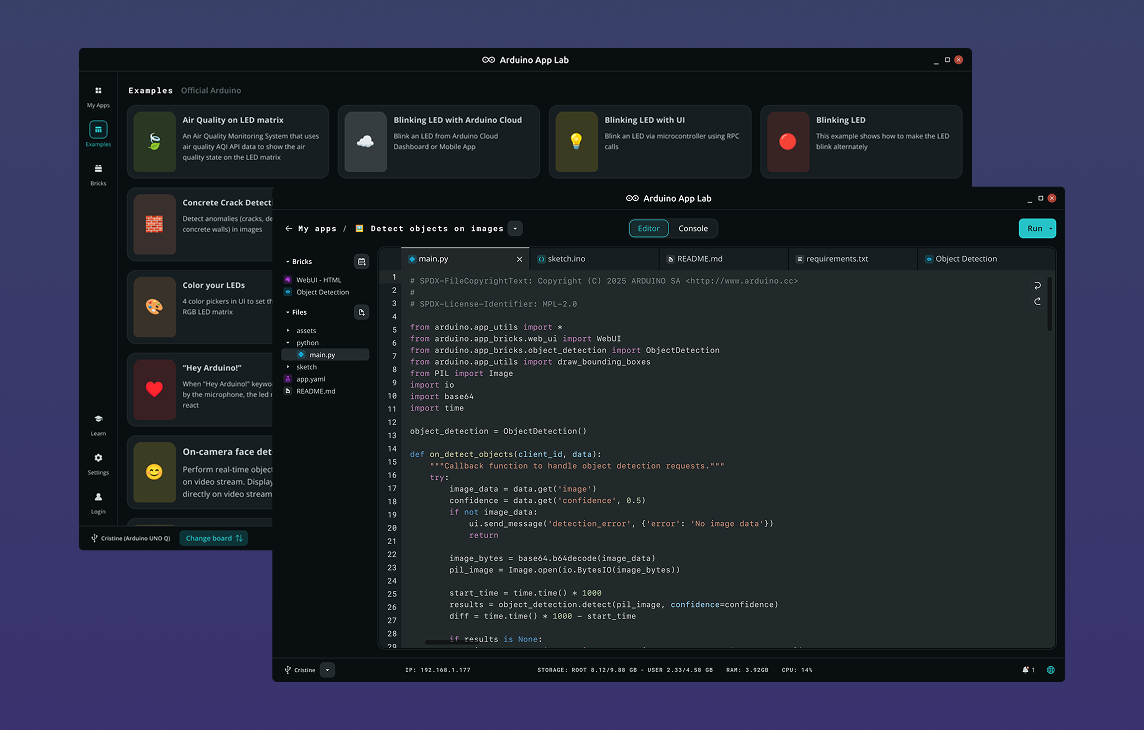
Arduino App Lab
Project description
Code
index
markup
HTML file
1<!DOCTYPE html>
2<html lang="en">
3<head>
4  <meta charset="UTF-8" />
5  <meta name="viewport" content="width=device-width, initial-scale=1.0" />
6  <title>Modulino LED Matrix – Pixel Canvas</title>
7  <link rel="stylesheet" href="styles.css" />
8</head>
9<body>
10  <header>
11    <h1>🖼️ Modulino LED Matrix – Pixel Canvas</h1>
12    <span id="status" class="status connecting">Connecting…</span>
13  </header>
14
15  <main>
16    <section class="card">
17      <h2>Canvas</h2>
18      <div class="pixel-grid" id="pixel-grid"></div>
19      <div class="canvas-actions">
20        <button class="btn danger" id="clear-btn">Clear</button>
21      </div>
22    </section>
23
24    <section class="card">
25      <h2>Export</h2>
26      <p class="export-hint">Paste this array into your Arduino sketch. Rename <code>MY_ICON</code> before use.</p>
27      <textarea id="export-output" readonly spellcheck="false"></textarea>
28      <div class="export-actions">
29        <button class="btn" id="copy-btn">Copy</button>
30      </div>
31    </section>
32  </main>
33
34  <script src="https://cdn.socket.io/4.7.5/socket.io.min.js"></script>
35  <script src="app.js"></script>
36</body>
37</html>
sketch
cpp
Arduino sketch
1#include <Arduino_RouterBridge.h>
2#include "Modulino_LED_Matrix.h"
3
4// NOTE: ModulinoLEDMatrix uses Wire1 and initialises itself in begin().
5// Do NOT call Modulino.begin() here.
6
7ModulinoLEDMatrix matrix;
8
9bool pixels[8][12];
10
11String buildState() {
12  String json = "{\"pixels\": [";
13  for (int y = 0; y < 8; y++) {
14    for (int x = 0; x < 12; x++) {
15      json += pixels[y][x] ? "1" : "0";
16      if (y < 7 || x < 11) json += ",";
17    }
18  }
19  json += "]}";
20  return json;
21}
22
23void redrawCanvas() {
24  for (int y = 0; y < 8; y++) {
25    for (int x = 0; x < 12; x++) {
26      if (pixels[y][x]) {
27        matrix.set(x, y, 255, 255, 255);
28      } else {
29        matrix.set(x, y, 0, 0, 0);
30      }
31    }
32  }
33  matrix.endDraw();
34}
35
36String rpc_get_state() {
37  return buildState();
38}
39
40String rpc_toggle_pixel(int x, int y) {
41  x = constrain(x, 0, 11);
42  y = constrain(y, 0, 7);
43  pixels[y][x] = !pixels[y][x];
44  redrawCanvas();
45  return buildState();
46}
47
48String rpc_clear_canvas() {
49  for (int y = 0; y < 8; y++) {
50    for (int x = 0; x < 12; x++) {
51      pixels[y][x] = false;
52    }
53  }
54  matrix.clear();
55  matrix.endDraw();
56  return buildState();
57}
58
59void setup() {
60  Bridge.begin();
61  matrix.begin();
62
63  Bridge.provide("get_state",    rpc_get_state);
64  Bridge.provide("toggle_pixel", rpc_toggle_pixel);
65  Bridge.provide("clear_canvas", rpc_clear_canvas);
66}
67
68void loop() {
69  // Nothing to drive — canvas is fully event-driven via RPC
70}
styles
css
Style file
1:root {
2  --bg:      #0f1117;
3  --surface: #1c1f2a;
4  --border:  #2e3244;
5  --accent:  #4fa3e0;
6  --text:    #e2e8f0;
7  --muted:   #8892a4;
8  --green:   #22c55e;
9  --red:     #ef4444;
10  --radius:  10px;
11}
12
13* { box-sizing: border-box; margin: 0; padding: 0; }
14
15body {
16  font-family: 'Segoe UI', system-ui, sans-serif;
17  background: var(--bg);
18  color: var(--text);
19  min-height: 100vh;
20  padding: 1rem;
21}
22
23header {
24  display: flex;
25  flex-direction: column;
26  align-items: center;
27  gap: 0.5rem;
28  margin-bottom: 1.5rem;
29  text-align: center;
30}
31
32header h1 { font-size: 1.35rem; letter-spacing: -0.02em; }
33
34.status {
35  font-size: 0.8rem;
36  font-weight: 600;
37  padding: 0.25rem 0.75rem;
38  border-radius: 999px;
39  letter-spacing: 0.04em;
40  text-transform: uppercase;
41}
42
43.status.connected    { background: var(--green); color: #fff; }
44.status.disconnected { background: var(--red);   color: #fff; }
45.status.connecting   { background: var(--muted); color: #fff; }
46
47main { display: flex; flex-direction: column; gap: 1.25rem; }
48
49.card {
50  background: var(--surface);
51  border: 1px solid var(--border);
52  border-radius: var(--radius);
53  padding: 1.25rem 1.5rem;
54}
55
56.card h2 {
57  font-size: 0.95rem;
58  font-weight: 600;
59  color: var(--muted);
60  text-transform: uppercase;
61  letter-spacing: 0.06em;
62  margin-bottom: 1rem;
63}
64
65/* Pixel grid: 12 columns, 8 rows */
66.pixel-grid {
67  display: grid;
68  grid-template-columns: repeat(12, 1fr);
69  gap: 3px;
70}
71
72.pixel-cell {
73  aspect-ratio: 1;
74  background: var(--surface);
75  border: 1px solid var(--border);
76  border-radius: 3px;
77  cursor: pointer;
78  transition: background 0.1s;
79}
80
81.pixel-cell.lit {
82  background: var(--accent);
83  border-color: var(--accent);
84}
85
86.canvas-actions { margin-top: 0.75rem; }
87
88/* Export section */
89.export-hint {
90  font-size: 0.82rem;
91  color: var(--muted);
92  margin-bottom: 0.75rem;
93  line-height: 1.5;
94}
95
96.export-hint code {
97  background: var(--bg);
98  border: 1px solid var(--border);
99  border-radius: 4px;
100  padding: 0.1em 0.35em;
101  font-size: 0.85em;
102  color: var(--accent);
103}
104
105#export-output {
106  display: block;
107  width: 100%;
108  min-height: 11rem;
109  background: var(--bg);
110  border: 1px solid var(--border);
111  border-radius: 8px;
112  color: var(--text);
113  font-family: 'Cascadia Code', 'Fira Code', 'Consolas', monospace;
114  font-size: 0.78rem;
115  line-height: 1.55;
116  padding: 0.75rem 1rem;
117  resize: vertical;
118  outline: none;
119}
120
121.export-actions { margin-top: 0.75rem; }
122
123/* Buttons */
124.btn {
125  background: var(--accent);
126  color: #fff;
127  border: none;
128  border-radius: 8px;
129  padding: 0.6rem 1.2rem;
130  font-size: 0.9rem;
131  font-weight: 600;
132  cursor: pointer;
133  transition: opacity 0.15s;
134}
135
136.btn:hover    { opacity: 0.85; }
137.btn:active   { opacity: 0.7; }
138.btn:disabled { opacity: 0.4; cursor: not-allowed; }
139.btn.danger   { background: var(--red); }
140
141@media (min-width: 600px) {
142  main { max-width: 700px; margin: 0 auto; }
143}
main
python
Main python file
1import json
2import os
3
4from arduino.app_utils import App, Bridge
5from arduino.app_bricks.web_ui import WebUI
6
7_ui_dir = os.path.join(os.path.dirname(os.path.abspath(__file__)), "..", "ui")
8ui = WebUI(assets_dir_path=_ui_dir)
9
10state = {"pixels": [0] * 96}
11
12
13def _call_mcu(method, *args):
14    try:
15        return json.loads(Bridge.call(method, *args))
16    except Exception as exc:
17        print(f"[bridge] {method} error: {exc}")
18        return None
19
20
21def _broadcast(new_state, room=None):
22    if new_state and "error" not in new_state:
23        state.update(new_state)
24        ui.send_message("state_update", state, room=room)
25
26
27def on_connect(sid):
28    _broadcast(_call_mcu("get_state"), room=sid)
29
30
31def on_toggle_pixel(sid, data):
32    _broadcast(_call_mcu("toggle_pixel", data["x"], data["y"]))
33
34
35def on_clear(sid, data):
36    _broadcast(_call_mcu("clear_canvas"))
37
38
39ui.on_connect(on_connect)
40ui.on_message("toggle_pixel", on_toggle_pixel)
41ui.on_message("clear",        on_clear)
42
43App.run()
app
js
JS file
1var socket = io();
2
3var statusEl    = document.getElementById("status");
4var gridEl      = document.getElementById("pixel-grid");
5var clearBtn    = document.getElementById("clear-btn");
6var exportOutput = document.getElementById("export-output");
7var copyBtn     = document.getElementById("copy-btn");
8
9var COLS = 12, ROWS = 8;
10var cells = []; // cells[y][x]
11var currentPixels = new Array(ROWS * COLS).fill(0);
12
13// Build 12×8 pixel grid
14for (let y = 0; y < ROWS; y++) {
15  cells[y] = [];
16  for (let x = 0; x < COLS; x++) {
17    let cell = document.createElement("div");
18    cell.className = "pixel-cell";
19    cell.addEventListener("click", function () {
20      socket.emit("toggle_pixel", { x: x, y: y });
21    });
22    gridEl.appendChild(cell);
23    cells[y][x] = cell;
24  }
25}
26
27// Connection status
28socket.on("connect",       function () { statusEl.className = "status connected";    statusEl.textContent = "● Connected";    });
29socket.on("disconnect",    function () { statusEl.className = "status disconnected"; statusEl.textContent = "● Disconnected"; });
30socket.on("connect_error", function () { statusEl.className = "status connecting";   statusEl.textContent = "Connecting…";    });
31
32socket.on("state_update", function (data) {
33  if (data) applyState(data);
34});
35
36function applyState(state) {
37  currentPixels = state.pixels;
38
39  for (var y = 0; y < ROWS; y++) {
40    for (var x = 0; x < COLS; x++) {
41      cells[y][x].classList.toggle("lit", state.pixels[y * COLS + x] === 1);
42    }
43  }
44
45  exportOutput.value = buildExport(state.pixels);
46}
47
48// Build a C++ uint8_t[16] byte array from the 96-element pixel list.
49// Format: 2 bytes per row, MSB = leftmost column.
50//   byte[row*2+0]: cols 0-7   (col 0 = bit 7)
51//   byte[row*2+1]: cols 8-11  (col 8 = bit 7, lower nibble unused)
52function buildExport(pixels) {
53  var lines = ["// Rename MY_ICON before use", "const uint8_t MY_ICON[] = {"];
54  for (var y = 0; y < ROWS; y++) {
55    var b0 = 0, b1 = 0;
56    for (var x = 0; x < 8; x++) {
57      if (pixels[y * COLS + x]) b0 |= (1 << (7 - x));
58    }
59    for (var x = 8; x < COLS; x++) {
60      if (pixels[y * COLS + x]) b1 |= (1 << (15 - x));
61    }
62    var sep = y < ROWS - 1 ? "," : "";
63    lines.push("  " + toBin8(b0) + ", " + toBin8(b1) + sep + "  // row " + y);
64  }
65  lines.push("};");
66  return lines.join("\n");
67}
68
69function toBin8(n) {
70  return "0b" + ("00000000" + (n >>> 0).toString(2)).slice(-8);
71}
72
73// Clear canvas
74clearBtn.addEventListener("click", function () {
75  socket.emit("clear", {});
76});
77
78// Copy export to clipboard
79copyBtn.addEventListener("click", function () {
80  navigator.clipboard.writeText(exportOutput.value).then(function () {
81    var orig = copyBtn.textContent;
82    copyBtn.textContent = "Copied!";
83    setTimeout(function () { copyBtn.textContent = orig; }, 1500);
84  });
85});
Arduino App Lab
Modulino LED Matrix – Pixel Canvas
Draw pixels on a 12×8 LED matrix and export the frame as a C++ byte array to use in your own sketch.
🖼️
Modulino LED Matrix – Pixel Canvas
Comments
Only logged in users can leave comments