Modulino Thermo + UNO Q - Climate monitor
Live temperature and humidity readings stream from the Modulino Thermo to the UNO Q.
Devices & Components
1
Arduino® UNO™ Q 2GB
1
Modulino™ Thermo
Software & Tools
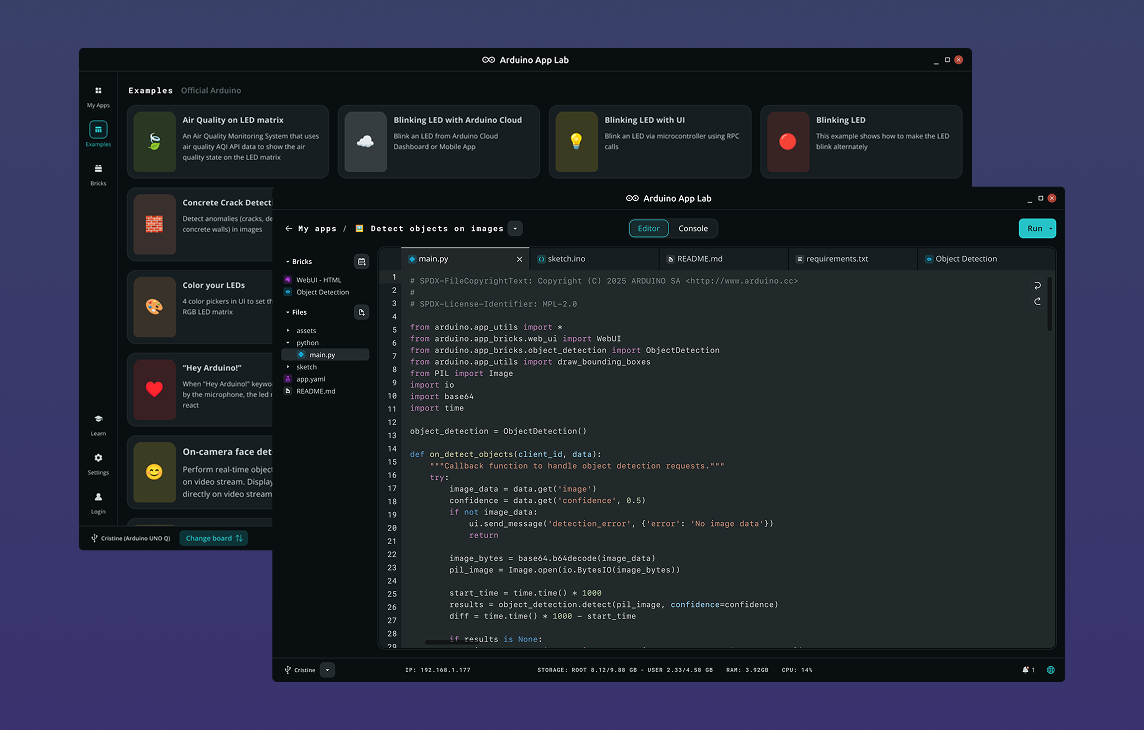
Arduino App Lab
Project description
Code
main
python
Python main
1import json
2import os
3
4from arduino.app_utils import App, Bridge
5from arduino.app_bricks.web_ui import WebUI
6
7_ui_dir = os.path.join(os.path.dirname(os.path.abspath(__file__)), "..", "ui")
8ui = WebUI(assets_dir_path=_ui_dir)
9
10state = {"temperature": 0.0, "humidity": 0.0}
11
12
13def _call_mcu(method, *args):
14    try:
15        return json.loads(Bridge.call(method, *args))
16    except Exception as exc:
17        print(f"[bridge] {method} error: {exc}")
18        return None
19
20
21def _broadcast(new_state, room=None):
22    if new_state and "error" not in new_state:
23        state.update(new_state)
24        ui.send_message("state_update", state, room=room)
25
26
27def on_connect(sid):
28    _broadcast(_call_mcu("get_state"), room=sid)
29
30
31def on_sensor_reading(temperature: float, humidity: float):
32    state["temperature"] = round(temperature, 1)
33    state["humidity"]    = round(humidity, 1)
34    ui.send_message("state_update", state)
35
36
37ui.on_connect(on_connect)
38Bridge.provide("sensor_reading", on_sensor_reading)
39
40App.run()
index
markup
HTML file
1<!DOCTYPE html>
2<html lang="en">
3<head>
4  <meta charset="UTF-8" />
5  <meta name="viewport" content="width=device-width, initial-scale=1.0" />
6  <title>Modulino Thermo – Climate Monitor</title>
7  <link rel="stylesheet" href="styles.css" />
8</head>
9<body>
10  <header>
11    <h1>🌡️ Modulino Thermo – Climate Monitor</h1>
12    <span id="status" class="status connecting">Connecting…</span>
13  </header>
14
15  <main>
16    <div class="readings-grid">
17      <section class="card reading-card">
18        <div class="reading-icon">🌡️</div>
19        <div class="reading-label">Temperature</div>
20        <div class="reading-value" id="temperature">—</div>
21        <div class="reading-unit">°C</div>
22      </section>
23
24      <section class="card reading-card">
25        <div class="reading-icon">💧</div>
26        <div class="reading-label">Humidity</div>
27        <div class="reading-value" id="humidity">—</div>
28        <div class="reading-unit">%RH</div>
29      </section>
30    </div>
31
32    <p class="last-updated">Last updated: <span id="last-updated">—</span></p>
33  </main>
34
35  <script src="https://cdn.socket.io/4.7.5/socket.io.min.js"></script>
36  <script src="app.js"></script>
37</body>
38</html>
sketch
cpp
Arduino sketch
1#include <Arduino_RouterBridge.h>
2#include <Arduino_Modulino.h>
3
4ModulinoThermo thermo;
5
6unsigned long last_read_ms = 0;
7const unsigned long READ_INTERVAL_MS = 2000;
8
9String buildState() {
10  float temp = thermo.getTemperature();
11  float hum  = thermo.getHumidity();
12  return "{\"temperature\": " + String(temp, 1) +
13         ", \"humidity\": "   + String(hum,  1) + "}";
14}
15
16String rpc_get_state() {
17  return buildState();
18}
19
20void setup() {
21  Bridge.begin();
22  Modulino.begin();
23  thermo.begin();
24
25  Bridge.provide("get_state", rpc_get_state);
26}
27
28void loop() {
29  unsigned long now = millis();
30  if (now - last_read_ms >= READ_INTERVAL_MS) {
31    last_read_ms = now;
32    Bridge.notify("sensor_reading", thermo.getTemperature(), thermo.getHumidity());
33  }
34}
styles
css
style file
1:root {
2  --bg:      #0f1117;
3  --surface: #1c1f2a;
4  --border:  #2e3244;
5  --accent:  #4fa3e0;
6  --text:    #e2e8f0;
7  --muted:   #8892a4;
8  --green:   #22c55e;
9  --red:     #ef4444;
10  --radius:  10px;
11}
12
13* { box-sizing: border-box; margin: 0; padding: 0; }
14
15body {
16  font-family: 'Segoe UI', system-ui, sans-serif;
17  background: var(--bg);
18  color: var(--text);
19  min-height: 100vh;
20  padding: 1rem;
21}
22
23header {
24  display: flex;
25  flex-direction: column;
26  align-items: center;
27  gap: 0.5rem;
28  margin-bottom: 1.5rem;
29  text-align: center;
30}
31
32header h1 { font-size: 1.35rem; letter-spacing: -0.02em; }
33
34.status {
35  font-size: 0.8rem;
36  font-weight: 600;
37  padding: 0.25rem 0.75rem;
38  border-radius: 999px;
39  letter-spacing: 0.04em;
40  text-transform: uppercase;
41}
42
43.status.connected    { background: var(--green); color: #fff; }
44.status.disconnected { background: var(--red);   color: #fff; }
45.status.connecting   { background: var(--muted); color: #fff; }
46
47main {
48  display: flex;
49  flex-direction: column;
50  align-items: center;
51  gap: 1.25rem;
52}
53
54/* Two-column grid for reading cards */
55.readings-grid {
56  display: grid;
57  grid-template-columns: 1fr 1fr;
58  gap: 1.25rem;
59  width: 100%;
60}
61
62.card {
63  background: var(--surface);
64  border: 1px solid var(--border);
65  border-radius: var(--radius);
66  padding: 1.25rem 1.5rem;
67}
68
69/* Reading card layout */
70.reading-card {
71  display: flex;
72  flex-direction: column;
73  align-items: center;
74  gap: 0.4rem;
75  text-align: center;
76}
77
78.reading-icon  { font-size: 2rem; }
79
80.reading-label {
81  font-size: 0.85rem;
82  font-weight: 600;
83  color: var(--muted);
84  text-transform: uppercase;
85  letter-spacing: 0.06em;
86}
87
88.reading-value {
89  font-size: 3rem;
90  font-weight: 700;
91  font-variant-numeric: tabular-nums;
92  color: var(--accent);
93  line-height: 1;
94}
95
96.reading-unit {
97  font-size: 1rem;
98  color: var(--muted);
99}
100
101/* Last updated */
102.last-updated {
103  font-size: 0.8rem;
104  color: var(--muted);
105  text-align: center;
106}
107
108.last-updated span { color: var(--text); }
109
110/* Narrow screens: stack cards */
111@media (max-width: 400px) {
112  .readings-grid { grid-template-columns: 1fr; }
113}
114
115@media (min-width: 600px) {
116  main { max-width: 700px; margin: 0 auto; }
117}
app
js
JS file
1var socket = io();
2
3var statusEl     = document.getElementById("status");
4var temperatureEl = document.getElementById("temperature");
5var humidityEl    = document.getElementById("humidity");
6var lastUpdatedEl = document.getElementById("last-updated");
7
8// Connection status
9socket.on("connect",       function () { statusEl.className = "status connected";    statusEl.textContent = "● Connected";    });
10socket.on("disconnect",    function () { statusEl.className = "status disconnected"; statusEl.textContent = "● Disconnected"; });
11socket.on("connect_error", function () { statusEl.className = "status connecting";   statusEl.textContent = "Connecting…";    });
12
13// State from server
14socket.on("state_update", function (data) {
15  if (data) applyState(data);
16});
17
18function applyState(state) {
19  temperatureEl.textContent = parseFloat(state.temperature).toFixed(1);
20  humidityEl.textContent    = parseFloat(state.humidity).toFixed(1);
21  lastUpdatedEl.textContent = new Date().toLocaleTimeString();
22}
Arduino App Lab
Modulino Thermo – Climate Monitor
Live temperature and humidity dashboard powered by the Modulino Thermo sensor.
🌡️
Modulino Thermo – Climate Monitor
Comments
Only logged in users can leave comments