Arduino UNO Q Face Locked Chocolate Box
This one-of-a-kind face-locked chocolate box keeps your sweet treats secure with a playful, high-tech twist that only opens when it recognizes your favorite person, powered by the Arduino UNO Q.
Devices & Components

Arduino® UNO™ Q 4GB

Illuminated Push Button (16mm)

8mm Neopixel LEDs

Piezo Buzzers

90 Degree Angle Header Pins

ArduCam IMX219 USB Camera Module
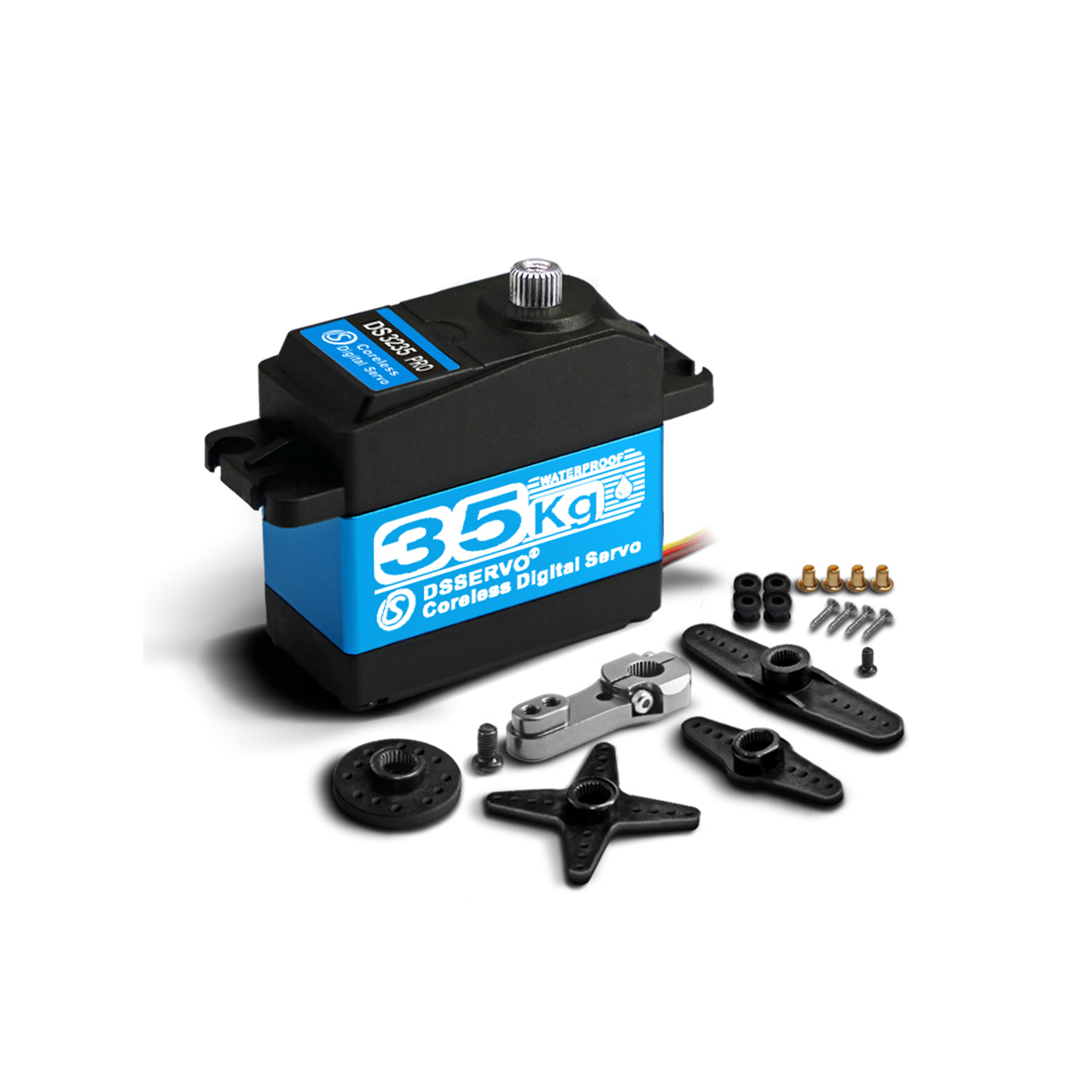
Standard sized RC Servo (40 x 20 x 38mm) with side flange mounting
Software & Tools
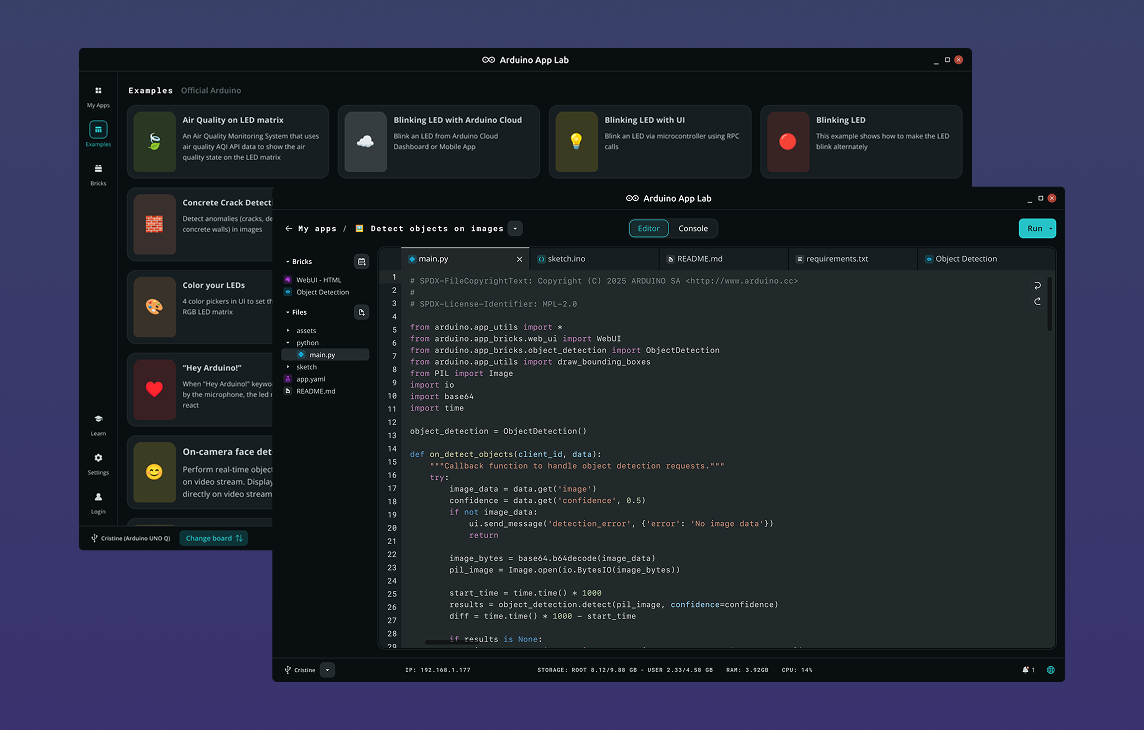
Arduino App Lab
Project description
Code
capture_authorized
python
Python for additional face capture
ws2812b-bitbang
cpp
Extra code for LED usage
FaceLockController_final
cpp
Project sketch code
FaceLockVision_final
python
Project Python code
Arduino App Lab
Arduino UNO Q Face-Locked Chocolate Box
This project uses an Arduino UNO Q to lock/unlock your chocolate (or any!) box using custom face detection. To get this running, you will need to
Arduino UNO Q Face-Locked Chocolate Box
Downloadable files
ChocolateBox_Sides
Chocolate Box Side Piece for 3D printing.
ChocolateBox_Sides.stl
ChocolateBox_ServoHarness
Servo harness 3D printing file.
ChocolateBox_ServoHarness.stl
ChocolateBox_UpperLayer
Chocolate Box Upper Layer 3D printing file.
ChocolateBox_UpperLayer.stl
ChocolateBox_BottomLid
Chocolate Box bottom lid 3D printing file.
ChocolateBox_BottomLid.stl
ChocolateBox_LowerLayer
Chocolate Box lower layer 3D printing file.
ChocolateBox_LowerLayer.stl
ChocolateBox_TopLid
Chocolate Box top lid 3D printing file.
ChocolateBox_TopLid.stl
ChocolateBox_Linkage
Servo linkage 3D printing file.
ChocolateBox_Linkage.stl
PushButtonForChocolate_BIG
Push Button for Chocolate graphic for top lid.
PushButtonForChocolate_BIG.png

Face Locked Chocolate Box
Complete CAD assembly of the Chocolate Box.
Face Locked Chocolate Box.step
Other Dataset
Photo data set for Other Faces
Other Dataset.zip
Comments
Only logged in users can leave comments