Autonomous Surveillance Robot/Car Using Computer Vision and Sensor Fusion
An autonomous surveillance robot that uses real-time computer vision to detect human presence, navigate safely, and send instant alerts.
Devices & Components
1
Arduino® UNO™ Q 4GB
Software & Tools
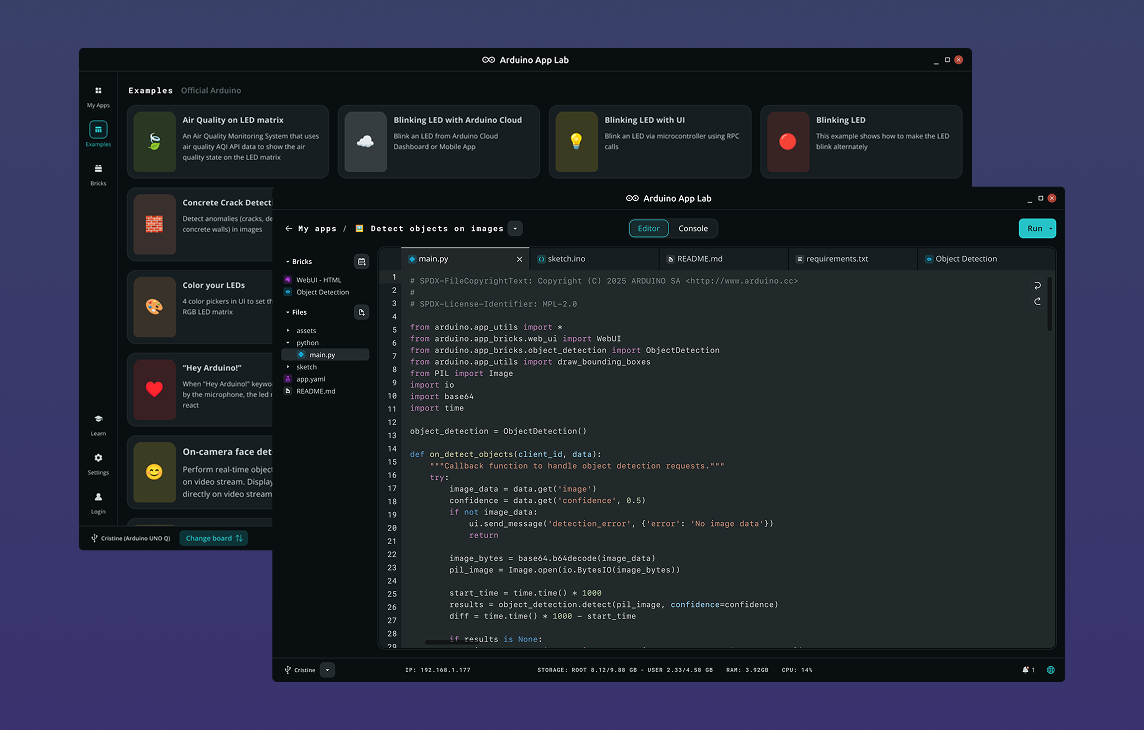
Arduino App Lab
Project description
Code
Python Code
python
1from arduino.app_utils import App, Bridge
2from arduino.app_bricks.web_ui import WebUI
3from arduino.app_bricks.video_objectdetection import VideoObjectDetection
4from arduino.app_bricks.telegram_bot import TelegramBot
5from datetime import datetime, UTC
6
7ui = WebUI()
8bot = TelegramBot()
9
10# Reduce load with debounce
11detection_stream = VideoObjectDetection(confidence=0.5, debounce_sec=1.0)
12
13ui.on_message("override_th", lambda sid, threshold: detection_stream.override_threshold(threshold))
14
15TARGET_LABEL = "person"
16
17# State tracking
18person_present = False
19
20def send_detections_to_ui(detections: dict, frame):
21    global person_present
22
23    current_person = False
24
25    # 🔍 Process detections
26    for key, values in detections.items():
27        for value in values:
28
29            # Send to WebUI
30            entry = {
31                "content": key,
32                "confidence": value.get("confidence"),
33                "timestamp": datetime.now(UTC).isoformat()
34            }
35            ui.send_message("detection", message=entry)
36
37            # Check for person
38            if key == TARGET_LABEL:
39                current_person = True
40
41    # Person just detected
42    if current_person and not person_present:
43        print("PERSON DETECTED")
44
45        person_present = True
46
47        # Stop robot
48        Bridge.call("control_robot", "STOP")
49
50        # Turn ON buzzer
51        Bridge.call("buzzer_on")
52
53        # Send image once
54        if frame is not None:
55            bot.send_photo(
56                frame,
57                caption="🚨 PERSON DETECTED!"
58            )
59
60    # Person disappeared
61    elif not current_person and person_present:
62        print("AREA CLEAR")
63
64        person_present = False
65
66        # Resume robot
67        Bridge.call("control_robot", "START")
68
69        # Turn OFF buzzer
70        Bridge.call("buzzer_off")
71
72detection_stream.on_detect_all(send_detections_to_ui)
73
74App.run()
C Code
c
1#include <Arduino_RouterBridge.h>
2
3// Ultrasonic
4#define TRIG 9
5#define ECHO 10
6
7// Motors (L298N)
8#define ENA 5
9#define IN1 6
10#define IN2 7
11#define ENB 3
12#define IN3 4
13#define IN4 2
14
15// Buzzer
16#define BUZZER 8
17
18long duration;
19int distance;
20
21bool robotEnabled = true;   // Controlled by MPU
22
23// FUNCTION FOR MEASURING DISTANCE
24int getDistance() {
25  digitalWrite(TRIG, LOW);
26  delayMicroseconds(2);
27  digitalWrite(TRIG, HIGH);
28  delayMicroseconds(10);
29  digitalWrite(TRIG, LOW);
30
31  duration = pulseIn(ECHO, HIGH, 25000);
32
33  if (duration == 0) return 400;
34
35  return duration * 0.034 / 2;
36}
37
38// FUNCTION FOR CONTROLLING MOTOR
39void forward() {
40  digitalWrite(IN1, HIGH);
41  digitalWrite(IN2, LOW);
42  digitalWrite(IN3, HIGH);
43  digitalWrite(IN4, LOW);
44  analogWrite(ENA, 120);
45  analogWrite(ENB, 120);
46}
47
48void stopMotors() {
49  digitalWrite(IN1, LOW);
50  digitalWrite(IN2, LOW);
51  digitalWrite(IN3, LOW);
52  digitalWrite(IN4, LOW);
53}
54
55void turnLeft() {
56  digitalWrite(IN1, LOW);
57  digitalWrite(IN2, HIGH);
58  digitalWrite(IN3, HIGH);
59  digitalWrite(IN4, LOW);
60}
61
62void turnRight() {
63  digitalWrite(IN1, HIGH);
64  digitalWrite(IN2, LOW);
65  digitalWrite(IN3, LOW);
66  digitalWrite(IN4, HIGH);
67}
68
69// OBSTACLE AVOIDANCE
70void avoidIfNeeded() {
71  int dist = getDistance();
72
73  if (dist < 15) {
74    stopMotors();
75    delay(150);
76
77    // Try left
78    turnLeft();
79    delay(300);
80    stopMotors();
81    delay(100);
82    int leftDist = getDistance();
83
84    // Return to center
85    turnRight();
86    delay(300);
87
88    // Try right
89    turnRight();
90    delay(300);
91    stopMotors();
92    delay(100);
93    int rightDist = getDistance();
94
95    // Decide best direction
96    if (leftDist > rightDist) {
97      turnLeft();
98      delay(300);
99    } else {
100      turnRight();
101      delay(300);
102    }
103
104    stopMotors();
105  }
106}
107
108// BUZZER
109void buzzer_on() {
110  digitalWrite(BUZZER, HIGH);
111  Monitor.println("Buzzer ON");
112}
113
114void buzzer_off() {
115  digitalWrite(BUZZER, LOW);
116  Monitor.println("Buzzer OFF");
117}
118
119// FUNCTION FOR HANDLING BRIDGE COMMANDS FROM MPU
120void control_robot(String cmd) {
121  if (cmd == "START") {
122    robotEnabled = true;
123    Monitor.println("Robot STARTED");
124
125  } else if (cmd == "STOP") {
126    robotEnabled = false;
127    stopMotors();
128    Monitor.println("Robot STOPPED");
129  }
130}
131
132
133void setup() {
134  pinMode(TRIG, OUTPUT);
135  pinMode(ECHO, INPUT);
136
137  pinMode(ENA, OUTPUT);
138  pinMode(IN1, OUTPUT);
139  pinMode(IN2, OUTPUT);
140  pinMode(ENB, OUTPUT);
141  pinMode(IN3, OUTPUT);
142  pinMode(IN4, OUTPUT);
143
144  pinMode(BUZZER, OUTPUT);
145
146  Bridge.begin();
147  Monitor.begin();
148
149  Bridge.provide_safe("control_robot", control_robot);
150  Bridge.provide_safe("buzzer_on", buzzer_on);
151  Bridge.provide_safe("buzzer_off", buzzer_off);
152
153  Monitor.println("System Ready");
154}
155
156
157void loop() {
158
159  if (!robotEnabled) {
160    stopMotors();
161    return;
162  }
163
164  avoidIfNeeded();
165  forward();
166}
Documentation
Autonomous Surveillance Robot Using Computer Vision and Sensor Fusion
Document of the project
Autonomous Surveillance Robot Using Computer Vision and Sensor Fusion.pdf
Comments
Only logged in users can leave comments