Devices & Components
1
Arduino® UNO™ Q 2GB
1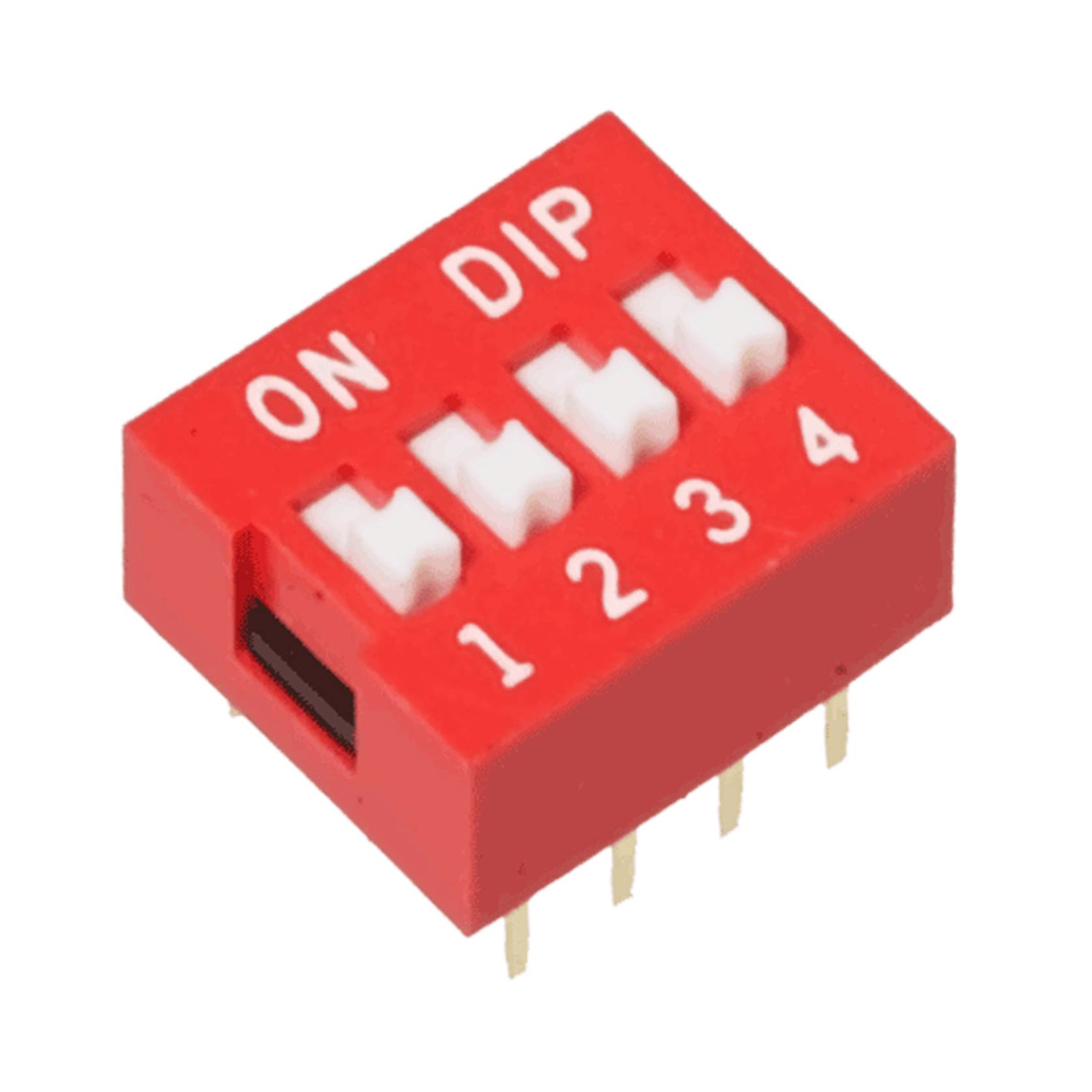
DIP Switch v2
Software & Tools

Arduino IDE
Project description
Code
arduino-uno-q-dip-switch-2.ino
cpp
Full code from the newbiely.com tutorial
1/*
2 * This Arduino UNO Q code was developed by newbiely.com
3 *
4 * This Arduino UNO Q code is made available for public use without any restriction
5 *
6 * For comprehensive instructions and wiring diagrams, please visit:
7 * https://newbiely.com/tutorials/arduino-uno-q/arduino-uno-q-dip-switch
8 */
9
10#define POSITION_NUM 4
11#define ON LOW
12#define OFF HIGH
13
14// define the pins connected to the DIP switch
15const int SWITCH_PINS[] = { 2, 3, 4, 5 };
16
17void setup() {
18  // set the DIP switch pins as inputs with pull-up resistors enabled
19  for (int i = 0; i < POSITION_NUM; i++)
20    pinMode(SWITCH_PINS[i], INPUT_PULLUP);
21}
22
23void loop() {
24  int encoded_state = 0;
25  for (int i = 0; i < POSITION_NUM; i++) {
26    int state = digitalRead(SWITCH_PINS[i]);
27    if (state == ON)
28      encoded_state |= 1 << (POSITION_NUM - i - 1);
29  }
30
31  // TO DO: use encoded_state (0-15) in your logic here
32
33  delay(500);
34}
arduino-uno-q-dip-switch-4.py
python
Full code from the newbiely.com tutorial
1"""
2This Arduino UNO Q script was developed by newbiely.com
3This Arduino UNO Q script is made available for public use without any restriction
4For comprehensive instructions and wiring diagrams, please visit:
5https://newbiely.com/tutorials/arduino-uno-q/arduino-uno-q-dip-switch
6"""
7
8from arduino.app_utils import *
9import time
10
11def loop():
12    while True:
13        Bridge.call("get_dip_state")
14        encoded = Bridge.call("get_encoded_state")
15        print(f"Encoded value: {encoded}")
16        time.sleep(2)
17
18App.run(user_loop=loop)
arduino-uno-q-dip-switch.ino
cpp
Full code from the newbiely.com tutorial
1/*
2 * This Arduino UNO Q code was developed by newbiely.com
3 *
4 * This Arduino UNO Q code is made available for public use without any restriction
5 *
6 * For comprehensive instructions and wiring diagrams, please visit:
7 * https://newbiely.com/tutorials/arduino-uno-q/arduino-uno-q-dip-switch
8 */
9
10#define POSITION_NUM 4
11#define ON LOW
12#define OFF HIGH
13
14// define the pins connected to the DIP switch
15const int SWITCH_PINS[] = { 2, 3, 4, 5 };
16
17void setup() {
18  // set the DIP switch pins as inputs with pull-up resistors enabled
19  for (int i = 0; i < POSITION_NUM; i++)
20    pinMode(SWITCH_PINS[i], INPUT_PULLUP);
21}
22
23void loop() {
24  // Read the state of each switch position
25  for (int i = 0; i < POSITION_NUM; i++) {
26    int state = digitalRead(SWITCH_PINS[i]);
27    if (state == ON) {
28      // position i+1 is ON
29      // TO DO: add action for ON position here
30    } else {
31      // position i+1 is OFF
32      // TO DO: add action for OFF position here
33    }
34  }
35
36  delay(500);
37}
arduino-uno-q-dip-switch-3.ino
cpp
Full code from the newbiely.com tutorial
1/*
2 * This Arduino UNO Q code was developed by newbiely.com
3 *
4 * This Arduino UNO Q code is made available for public use without any restriction
5 *
6 * For comprehensive instructions and wiring diagrams, please visit:
7 * https://newbiely.com/tutorials/arduino-uno-q/arduino-uno-q-dip-switch
8 */
9
10#include "Arduino_RouterBridge.h"
11
12#define POSITION_NUM 4
13#define ON LOW
14#define OFF HIGH
15
16const int SWITCH_PINS[] = { 2, 3, 4, 5 };
17
18void get_dip_state() {
19  for (int i = 0; i < POSITION_NUM; i++) {
20    int state = digitalRead(SWITCH_PINS[i]);
21    Monitor.print("position ");
22    Monitor.print(i + 1);
23    Monitor.print(": ");
24    Monitor.println(state == ON ? "ON" : "OFF");
25  }
26}
27
28void get_encoded_state() {
29  int encoded_state = 0;
30  for (int i = 0; i < POSITION_NUM; i++) {
31    int state = digitalRead(SWITCH_PINS[i]);
32    if (state == ON)
33      encoded_state |= 1 << (POSITION_NUM - i - 1);
34  }
35  Monitor.println(encoded_state);
36}
37
38void setup() {
39  for (int i = 0; i < POSITION_NUM; i++)
40    pinMode(SWITCH_PINS[i], INPUT_PULLUP);
41  Bridge.begin();
42  Monitor.begin();
43  Bridge.provide("get_dip_state", get_dip_state);
44  Bridge.provide("get_encoded_state", get_encoded_state);
45  Monitor.println("DIP Switch Bridge ready");
46}
47
48void loop() {}
arduino-uno-q-dip-switch-5.py
python
Full code from the newbiely.com tutorial
1"""
2This Arduino UNO Q script was developed by newbiely.com
3This Arduino UNO Q script is made available for public use without any restriction
4For comprehensive instructions and wiring diagrams, please visit:
5https://newbiely.com/tutorials/arduino-uno-q/arduino-uno-q-dip-switch
6"""
7
8from arduino.app_utils import *
9import requests
10import time
11
12BOT_TOKEN = "YOUR_BOT_TOKEN"
13API_URL = f"https://api.telegram.org/bot{BOT_TOKEN}"
14last_update_id = 0
15
16def send_message(chat_id, text):
17    requests.post(f"{API_URL}/sendMessage", json={"chat_id": chat_id, "text": text})
18
19def get_updates():
20    global last_update_id
21    resp = requests.get(f"{API_URL}/getUpdates", params={"offset": last_update_id + 1, "timeout": 5})
22    return resp.json().get("result", [])
23
24def loop():
25    global last_update_id
26    updates = get_updates()
27    for update in updates:
28        last_update_id = update["update_id"]
29        msg = update.get("message", {})
30        chat_id = msg.get("chat", {}).get("id")
31        text = msg.get("text", "").strip()
32
33        if text == "/state":
34            state = Bridge.call("get_dip_state")
35            send_message(chat_id, state)
36        elif text == "/value":
37            encoded = Bridge.call("get_encoded_state")
38            send_message(chat_id, f"DIP switch encoded value: {encoded}")
39        else:
40            send_message(chat_id, "Commands:\n/state — read each DIP position (ON/OFF)\n/value — get encoded integer value")
41    time.sleep(1)
42
43App.run(user_loop=loop)
Comments
Only logged in users can leave comments