Wi-Fi Controlled Rover
The motion of robot controlling via internet is one of the easy means as it requires the user to access the designated webpage to guide it.
Devices & Components
Nodemcu Motor Shield
DC Motor
Software & Tools
\t WiFi Robot Controller
Project description
Code
Code 1
c_cpp
Output-2 Output-2 Output-1 After the connection you will copy and paste this code in Arduino IDE. Than go to the mobile phone and connect with wifi (“My_Robot”) and password(“iamnotarobot”).Than open the app in your mobile phone and set the IP address is mention in your code .If you press forward button the left motor move forward direction and the right motor move backward direction .If you press the left button the left motor move forward direction and the right motor move backward direction and so on.And you will see that all the given command it will show in status button of the app. If you press the accelerate controller button, the movement of your mobile phone will rotate the connected motors. The motors will move in left, right, backward, forward direction according to the movements of your mobile phone. The other buttons will not work, when the accelerate Controller is ON.
Code 2
c_cpp
Output-2 After the connection you will copy and paste this code in Arduino IDE. Write the correct ssid and password. Then upload the code. Open the serial monitor.Now, you are connected with your wifi and it display the IP address on serial monitor. Then open the app and set the IP address .If you press forward button the left motor will moves in forward direction and the right motor will moves in backward direction .If you press the backward button, then the right motor moves in forward direction and the left motor moves in backward direction and so on. And you will see that all the given command it will show in status button of the app. When you press the accelerate controller the button is on .The movement of your mobile phone will rotate the connected motors. Note:-When you open this app the mobile phone data connection is must be off
Code 2
c_cpp
Output-2 After the connection you will copy and paste this code in Arduino IDE. Write the correct ssid and password. Then upload the code. Open the serial monitor.Now, you are connected with your wifi and it display the IP address on serial monitor. Then open the app and set the IP address .If you press forward button the left motor will moves in forward direction and the right motor will moves in backward direction .If you press the backward button, then the right motor moves in forward direction and the left motor moves in backward direction and so on. And you will see that all the given command it will show in status button of the app. When you press the accelerate controller the button is on .The movement of your mobile phone will rotate the connected motors. Note:-When you open this app the mobile phone data connection is must be off
Downloadable files
image
image
Circuit Di gram
Circuit Di gram

Circuit Di gram
Circuit Di gram
image
image
Documentation
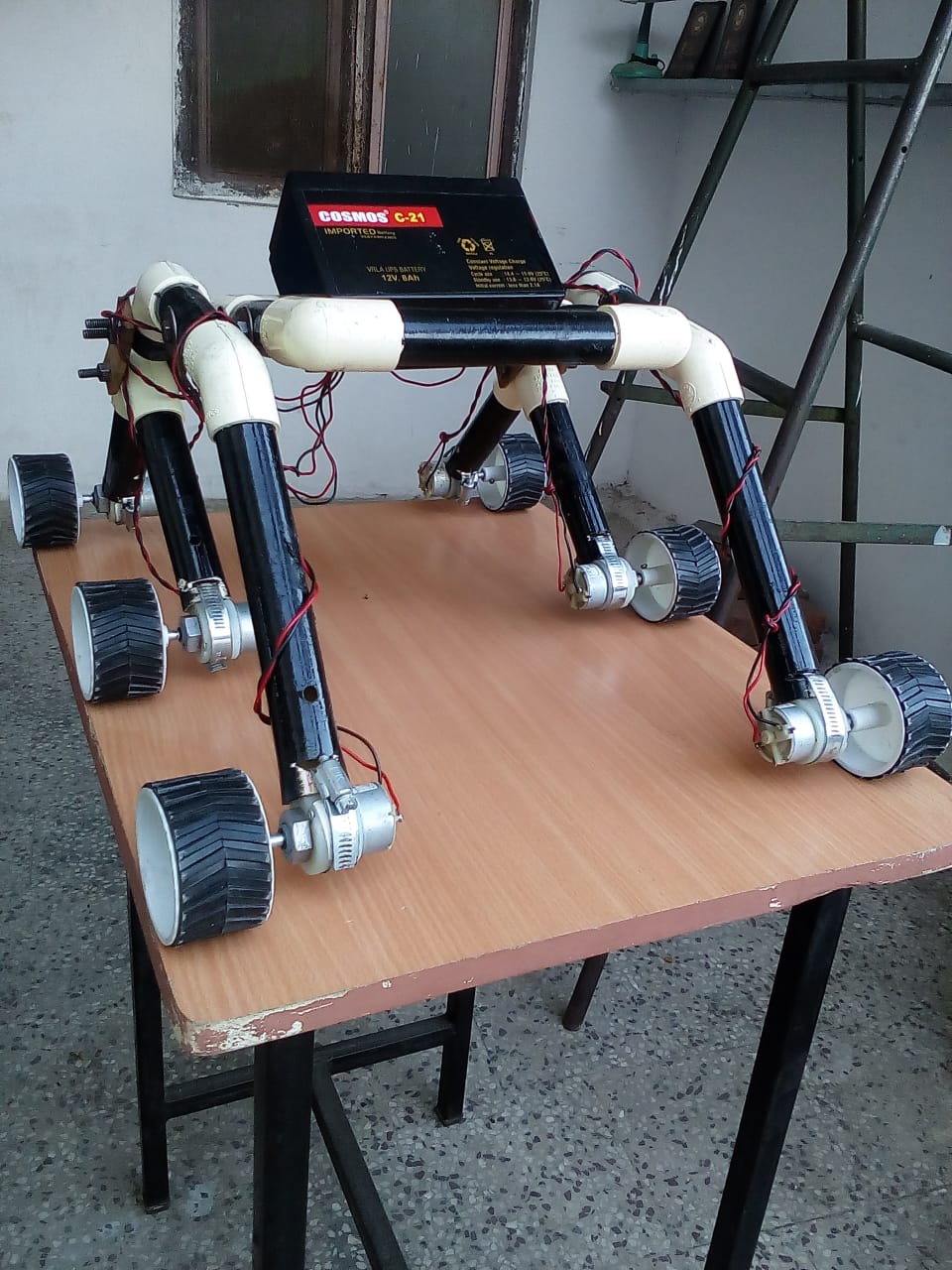
Body frame
Body frame
Body frame
Body frame
Comments
Only logged in users can leave comments