Devices & Components
Arduino Uno Rev3
PIR Motion Sensor (generic)
5 mm LED: Red
Hardware & Tools
Breadboard, Plastic
Premium Female/Male Extension Jumper Wires, 40 x 6" (150mm)
Software & Tools
Arduino IDE
Project description
Code
PIR.ino
arduino
1int led = 13; // the pin that the LED is atteched to 2int sensor = 2; // the pin that the sensor is atteched to 3int state = LOW; // by default, no motion detected 4int val = 0; // variable to store the sensor status (value) 5 6void setup() { 7 pinMode(led, OUTPUT); // initalize LED as an output 8 pinMode(sensor, INPUT); // initialize sensor as an input 9 Serial.begin(9600); // initialize serial 10} 11 12void loop(){ 13 val = digitalRead(sensor); // read sensor value 14 if (val == HIGH) { // check if the sensor is HIGH 15 digitalWrite(led, HIGH); // turn LED ON 16 delay(100); // delay 100 milliseconds 17 18 if (state == LOW) { 19 Serial.println("Motion detected!"); 20 state = HIGH; // update variable state to HIGH 21 } 22 } 23 else { 24 digitalWrite(led, LOW); // turn LED OFF 25 delay(200); // delay 200 milliseconds 26 27 if (state == HIGH){ 28 Serial.println("Motion stopped!"); 29 state = LOW; // update variable state to LOW 30 } 31 } 32} 33
PIR.ino
arduino
1int led = 13; // the pin that the LED is atteched to 2int 3 sensor = 2; // the pin that the sensor is atteched to 4int state 5 = LOW; // by default, no motion detected 6int val = 0; // 7 variable to store the sensor status (value) 8 9void setup() { 10 pinMode(led, 11 OUTPUT); // initalize LED as an output 12 pinMode(sensor, INPUT); // initialize 13 sensor as an input 14 Serial.begin(9600); // initialize serial 15} 16 17void 18 loop(){ 19 val = digitalRead(sensor); // read sensor value 20 if (val == HIGH) 21 { // check if the sensor is HIGH 22 digitalWrite(led, HIGH); // 23 turn LED ON 24 delay(100); // delay 100 milliseconds 25 26 27 if (state == LOW) { 28 Serial.println("Motion detected!"); 29 state 30 = HIGH; // update variable state to HIGH 31 } 32 } 33 else { 34 35 digitalWrite(led, LOW); // turn LED OFF 36 delay(200); // 37 delay 200 milliseconds 38 39 if (state == HIGH){ 40 Serial.println("Motion 41 stopped!"); 42 state = LOW; // update variable state to LOW 43 } 44 45 } 46} 47
Downloadable files
On Breadboard
On Breadboard

Proteus Simulation
Proteus Simulation
Proteus Simulation
Proteus Simulation
Proteus Simulation
Proteus Simulation
On Breadboard
On Breadboard

Documentation
Components Required
Components Required
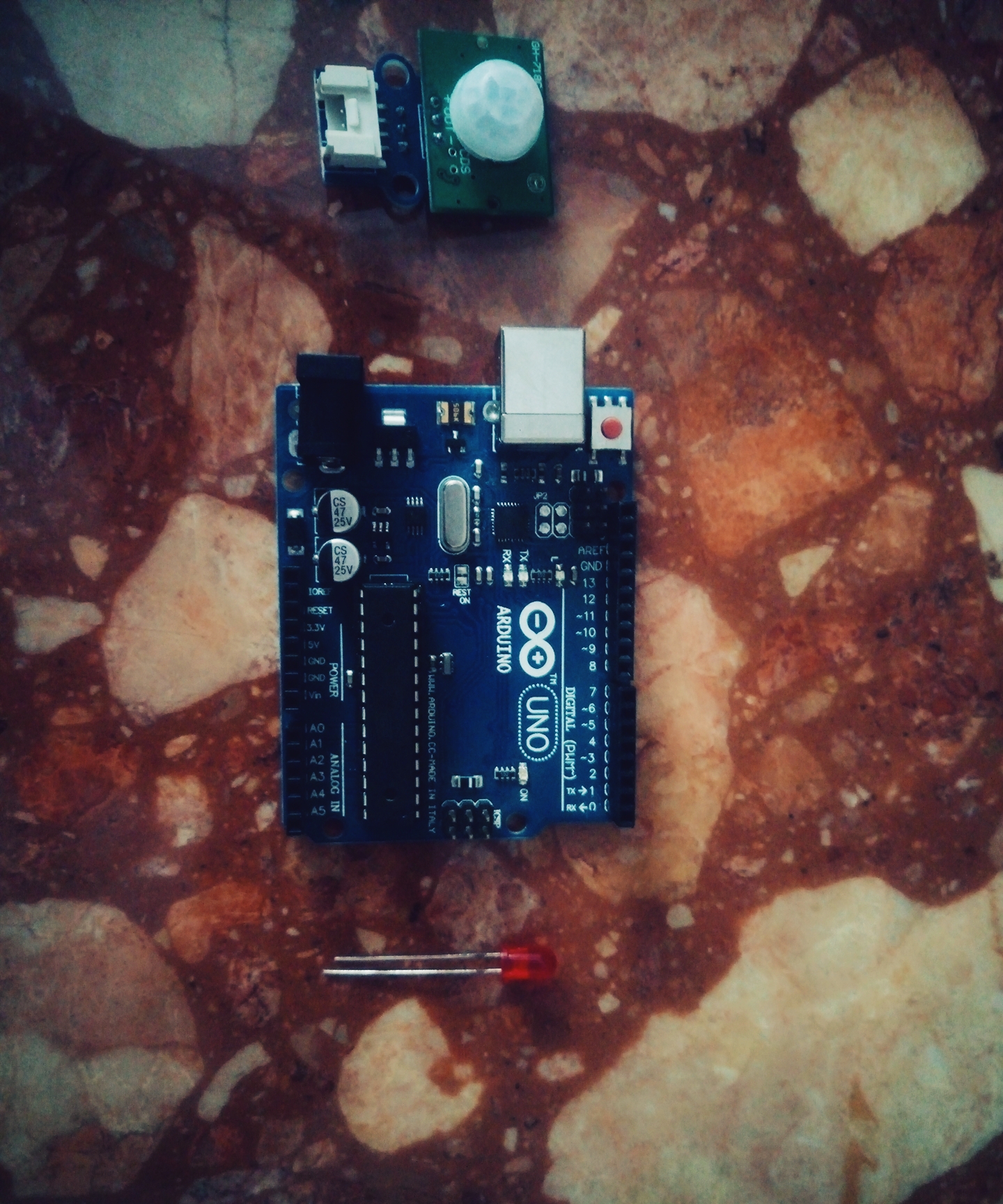
Components Required
Components Required

Comments
Only logged in users can leave comments