Interfacing Arduino Uno & Onion Omega 2
Interfacing Arduino and Onion Omega2 IoT platform will make creating connected devices easier!
Components and supplies
SparkFun Breadboard Power Supply 5V/3.3V
Omega2
Arduino UNO
Tools and machines
Premium Female/Female Jumper Wires, 40 x 3" (75mm)
Premium Female/Male 'Extension' Jumper Wires, 40 x 3" (75mm)
Apps and platforms
Arduino IDE
Visual Studio Code Extension for Arduino
Project description
Code
Arduinoreadfromomega.ino
arduino
Here is an example arduino program that will make the arduino continuously read from the Omega , Only after it reads the string “ArduinOnion”, it will send out the string “Received” to the Omega:
Flashing the Arduino
arduino
First we need to flash the arduino with a sketch that is programmed to communicate (read and/or write data) using serial communication on pins TX/RX . We will use the Arduino serial library to send data back and forth. Here’s a very simple example sketch that will make the arduino continously send out “arduino”
PythOnion
python
Here is some example Python code that will make the Omega continuously send “ArduinOnion” until it reads the response “Received” from the micro-controller. In order for this to work correctly, your micro-controller will have to be flashed with the example Serial sketch I've introduced above.
PythOnion
python
Here is some example Python code that will make the Omega continuously send “ArduinOnion” until it reads the response “Received” from the micro-controller. In order for this to work correctly, your micro-controller will have to be flashed with the example Serial sketch I've introduced above.
Arduinoreadfromomega.ino
arduino
Here is an example arduino program that will make the arduino continuously read from the Omega , Only after it reads the string “ArduinOnion”, it will send out the string “Received” to the Omega:
Flashing the Arduino
arduino
First we need to flash the arduino with a sketch that is programmed to communicate (read and/or write data) using serial communication on pins TX/RX . We will use the Arduino serial library to send data back and forth. Here’s a very simple example sketch that will make the arduino continously send out “arduino”
Downloadable files
Datasheet Onion Omega
Datasheet Onion Omega
Assembling Hardware
3.3V supply (+) - 3.3v input Onion omega 3.3v supply (-) - GND onion omega Gnd Arduino - GND onion omega Tx arduino - Rx onion omega Rx arduino - Tx onion omega
Assembling Hardware

Datasheet Onion Omega
Datasheet Onion Omega
Documentation
Components Required
Components Required
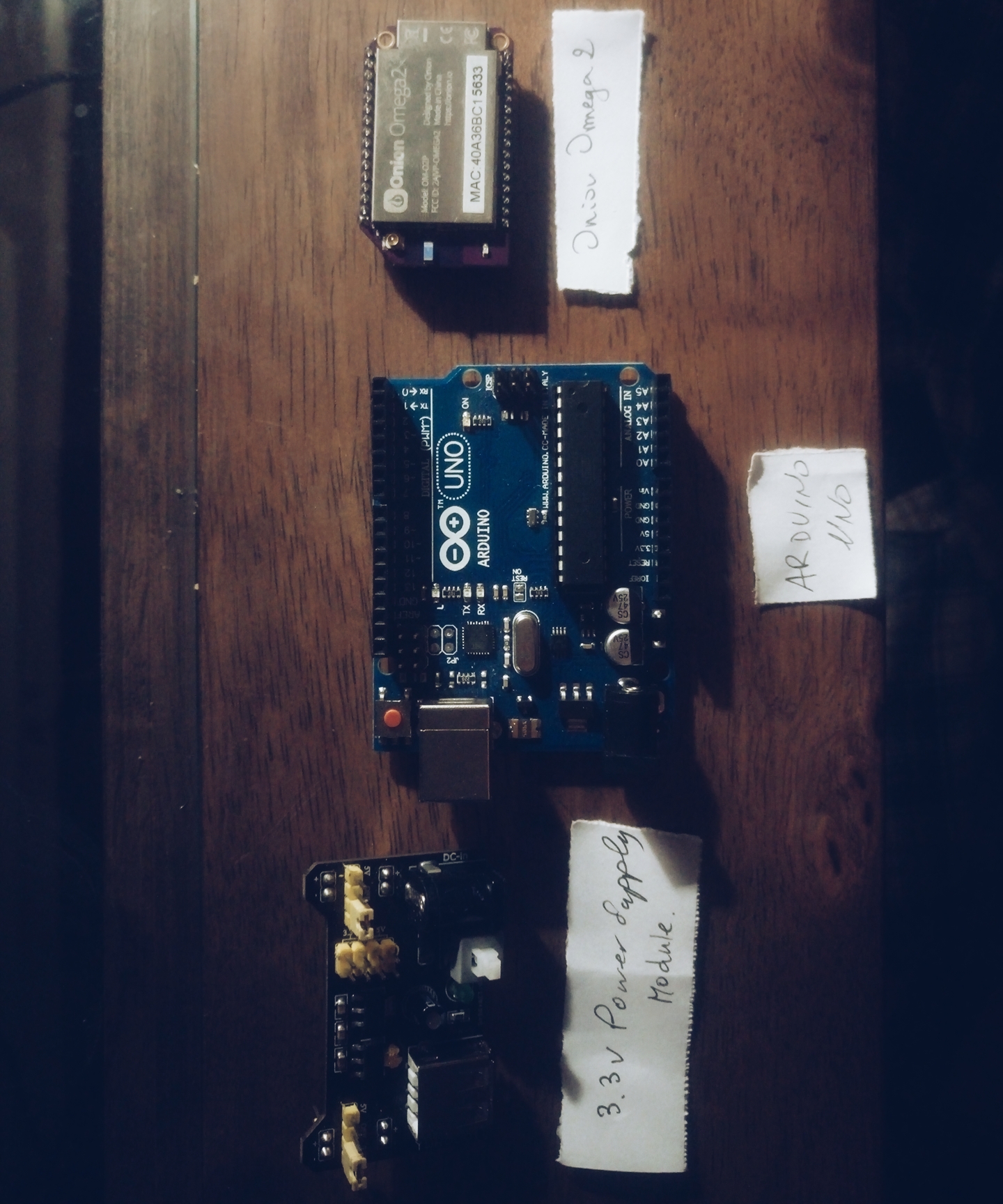
Components Required
Components Required
Comments
Only logged in users can leave comments